
Support & Communication

Answer every student, on time

Tickets with response-time targets, a knowledge base students can search, chat on every application, email templates and live notifications.

Tickets
SLA targets
Chat
Live
Email
Templates
crm.enrolldesk.net
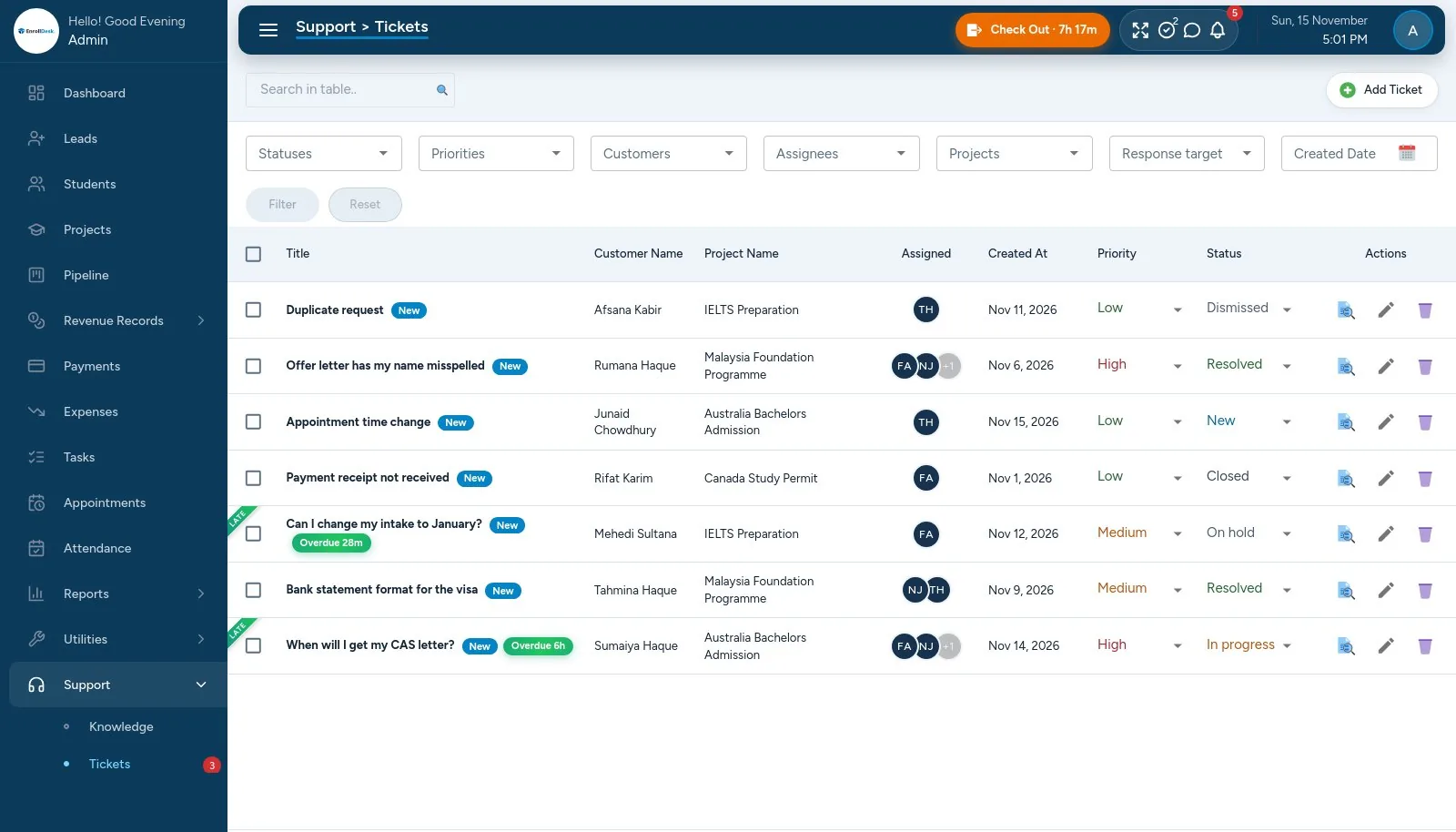
EnrollDesk support tickets with response targets and priorities
01

Tickets

Every student question tracked to the end.

  • Students open tickets on their applications; staff reply with formatted text and files
  • Status, priority (high, medium, low) and assignees; bulk actions and trash
  • Internal notes the student never sees, and canned replies
  • Unread markers on both sides
02

Response targets

Know which tickets are late.

  • First-response and resolution targets per priority
  • Overdue tickets flagged, with an overdue filter
  • Students rate resolved tickets from 1 to 5
  • Resolved tickets close themselves after 7 days; Tickets report
03

Knowledge base

Answers students can find themselves.

  • Articles with categories, formatted text and attachments
  • Students search and sort by recent, most viewed or most helpful
  • Helpful / not helpful votes and view counts
  • Comments, with images
04

Chat, email and notifications

Stay in touch without leaving the CRM.

  • Live chat with students on each application
  • Email from leads, students, applications and expenses, logged on the record
  • Email templates with placeholders, and a default per module
  • Live notifications for staff and students, with a sound